

Introduction
Creating a Google Business Profile is a great way to get local customers. But many business owners get stuck during verification. Google now asks for a live video to prove your business is real.
If you are having trouble with Google My Business video verification, or if Google My Business video verification not working on your mobile phone, this step-by-step checklist will help you pass easily.
STEP 1: Get Your Profile Ready
Before you record, your profile must follow Google’s simple rules. Wrong details can get your video rejected.
Check If Your Business is Eligible
Your business must meet customers in person during work hours to get a profile.
Allowed Businesses:
Real shops, offices, and service workers who visit clients.
Special Cases:
- ATMs and drop boxes (must show help contact numbers).
- Seasonal businesses (like winter ice rinks) with fixed signs all year.
- Food delivery brands (with special rules)
Not Allowed Businesses:
- Empty houses, model homes, or holiday rentals (office places are okay).
- Running classes or services in places you don’t own.
- Lead generation agents.
- Online-only stores or artists.
- P.O. Box or remote box addresses.
Clean Up Profile Errors
Check these points before recording:
- Business Name: Use your exact business name. Do not add extra keywords.
- Legal Name: If your daily name is different from your official name, keep your DBA proof documents ready. Do not add words like LLC or Ltd to your profile name.
- Address Visibility:
- SHOW ADDRESS: Turn ON “Show address” if customers visit your office.
- HIDE ADDRESS: Turn OFF “Show address” if you go to customer places and they don’t visit you.
- Real Address: Never use P.O. Boxes or virtual offices.
- Address Match: Address on profile must match your paper documents 100%.
- Service Areas: Keep your service area within 2 hours driving time from your address.
- Phone Number: Phone number must match your website. Turn off call tracking numbers while verifying.
- Working Hours: Hours on profile must match your shop sign and website.
- Business Description: Do not put phone numbers or offers in the description box
01
LET'S GROW TOGETHER
Need Help Verifying Your Google Business Profile? Let Insprago Help You Get Verified!
Let Us DiscussSTEP 2: Check Your Website and Online Listings
Google checks if your business details match other places on the internet.
- Website Details: Check your homepage, contact page, and footer. Name, Address, Phone, and Hours must match your Google profile.
- Business Listings: Ensure your name and address match on sites like Facebook, LinkedIn, Yelp, and Yellow Pages.
STEP 3: Plan Your Video Evidence
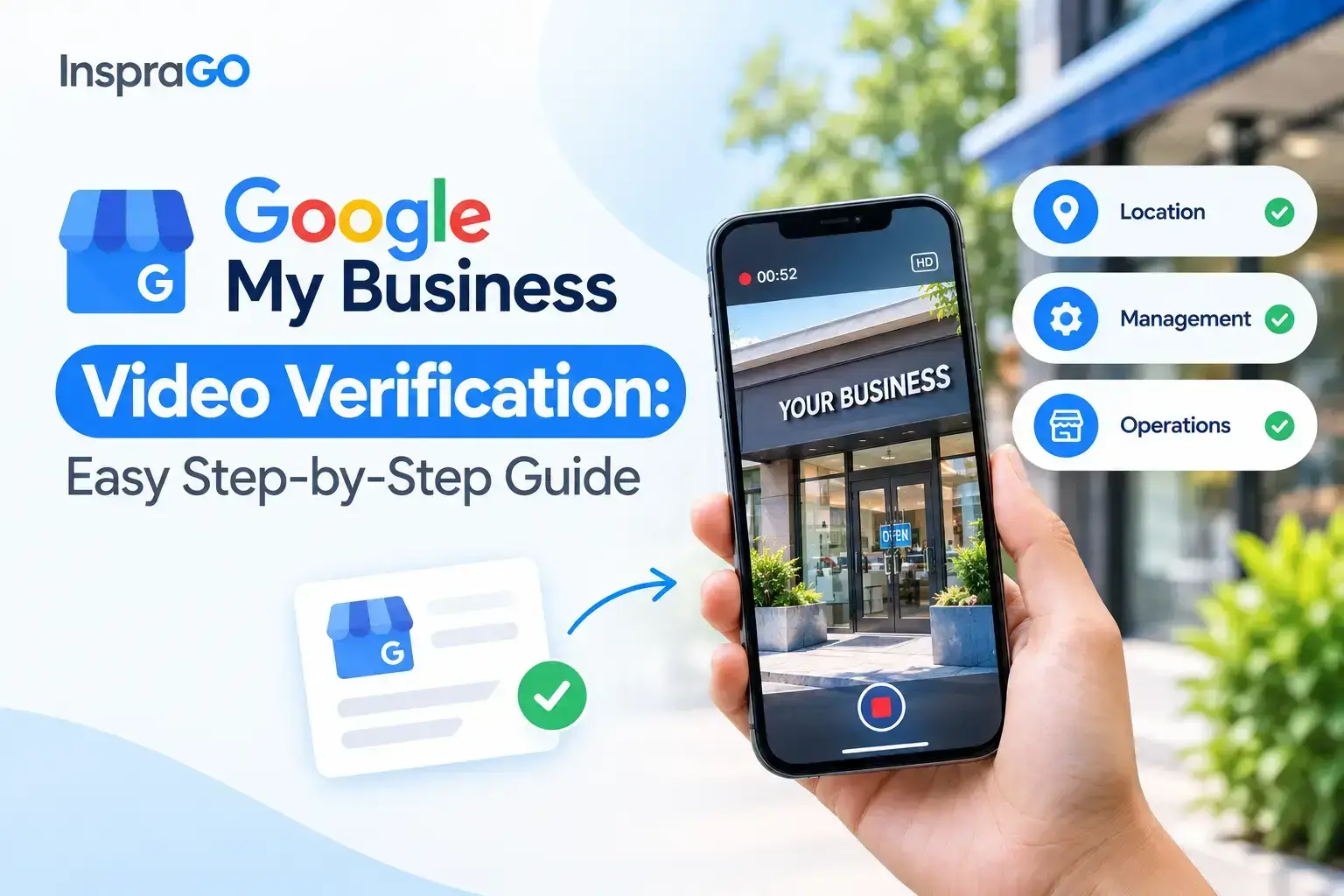
You need to show 3 proofs in 1 continuous video without pausing:
Proof 1: Location
Start filming outside and then walk inside.
- Shop/Office: Show street signs, nearby shops, building board, and door number.
- Home/Service Business: Show the street sign and house/flat number.
Proof 2: Management
Show that you have keys or access to run the business.
- Shop/Office: Unlock the front door with a key, or log into the billing computer/POS system.
- Service Business: Unlock your work vehicle or log into your business tools.
Proof 3: Business Operations
Show that real business happens here.
- Shop/Office: Show tools, products for sale, computers, or business cards.
- Service Business: Show work tools, products, work van, or branded mugs/pens.
Proof 4 : Official Documents (Optional but Helpful)
You can show official papers to make proof stronger:
- Business license or registration papers.
- Electricity/utility bills with business name.
- Tax papers or customer bills.
Simple Video Recording Plan
Follow this order:
- Stand across the street and show the building.
- Walk closer and show the shop sign.
- Show the street number on the door.
- Show the locked door.
- Unlock the door and walk inside.
- Show key access or billing system.
- Show tools, stock, or business cards.
- (Optional) Point the camera at tax papers or license.
02
LET'S GROW TOGETHER
Get Your Business Profile Verified & Ranked #1 on Google Maps Today
Hire Our Local Seo Expert In DubaiSTEP 4: Fix Your Phone Settings
If Google My Business video verification is not working, your phone settings might be blocking it.

- Turn ON Location:
- iPhone: Settings > Privacy & Security > Location Services > Turn ON.
- Android: Turn ON location permissions in phone settings.
- Allow Browser Location: Allow Chrome, Safari, or Google Maps to use your location.
- Lower Video Quality (Very Important): Video will fail if it goes above 75MB.
- iPhone: Settings > Camera > Record Video > Choose 720p HD at 30fps and turn HDR OFF.
- Android: Open Camera app > Video mode > Settings gear > Choose lowest quality.
- Tip: Keep video time around 1 minute 30 seconds to stay under 75MB.
- Delete Failed Videos: Open Google Business Profile > Click the 3 dots > Business Profile settings > Advanced settings > Video Uploads > Delete old videos.
STEP 5: Practice Before Recording
Do a practice run before the real recording!
- Rules:
- Must be 1 single video without stopping.
- Keep it under 2 minutes (1:30 is best).
- Practice where to walk and what to show so you don’t waste time.
STEP 6: Record and Upload Your Video
- Note #1: Use your mobile phone, not a computer.
- Note #2: If upload stops at 99%, don’t worry. Google has small bugs sometimes. Stay calm and try uploading again.
Steps to Submit:
- Log in: Open the Google Maps app or mobile browser using your main business email.
- Start: Search your business and tap Get verified.
- Address: Type your exact address.
- Choose Video: Select the Business video option.
- Record: Follow your plan, film everything in 1 video, and hit submit.
Conclusion
Completing your Google Business Profile video verification is a crucial step toward building strong local search visibility for your business. By following this step-by-step checklist, fixing your profile errors, preparing clear video proofs, and adjusting your phone settings, you can easily pass verification on your first attempt.
Once your business profile is successfully verified, the next important focus is driving local customers and calls to your business. Proper Google Maps optimization, local citation building, and review management are essential to help your business rank on the first page. If you want to systematically grow your business rankings in top search results, working with experts who offer local seo services in Dubai can help you convert daily local searches into steady customer leads.